
 ChatGPT
 Claude
Ask your bank accounts a question
Turn on the Open connector in ChatGPT or Claude. Then ask about balances, payments and charges across every connected bank — in plain language.
Set up the connectors › Answered from your connected banks
In ClaudeSettings → Connectors → switch on Open
Answered from your connected banks
In ClaudeSettings → Connectors → switch on Open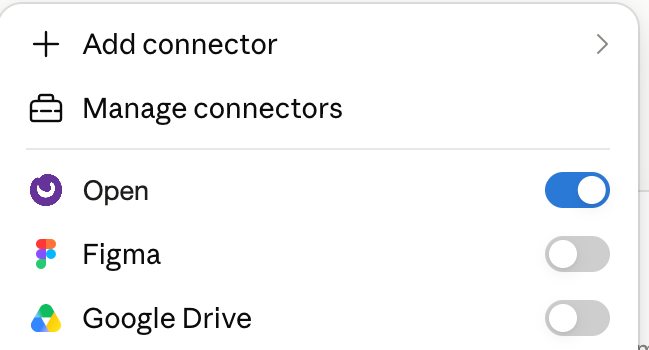 In ChatGPTPlugins → search Open → connect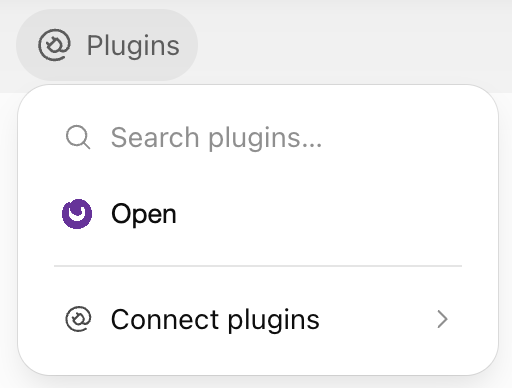
Everyday banking, without the bank portals.
Pay vendors from any account
Send NEFT, RTGS and IMPS payouts from your connected current accounts and track each one until it settles.
Reconcile as transactions post
Bank entries are matched to invoices and payments in your books, so only exceptions need review.
From connecting your bank to your first transaction.
Choose your bank
Have your current account details ready and involve the person authorised to approve bank access. Select your bank to follow its connection process.
Check supported banks →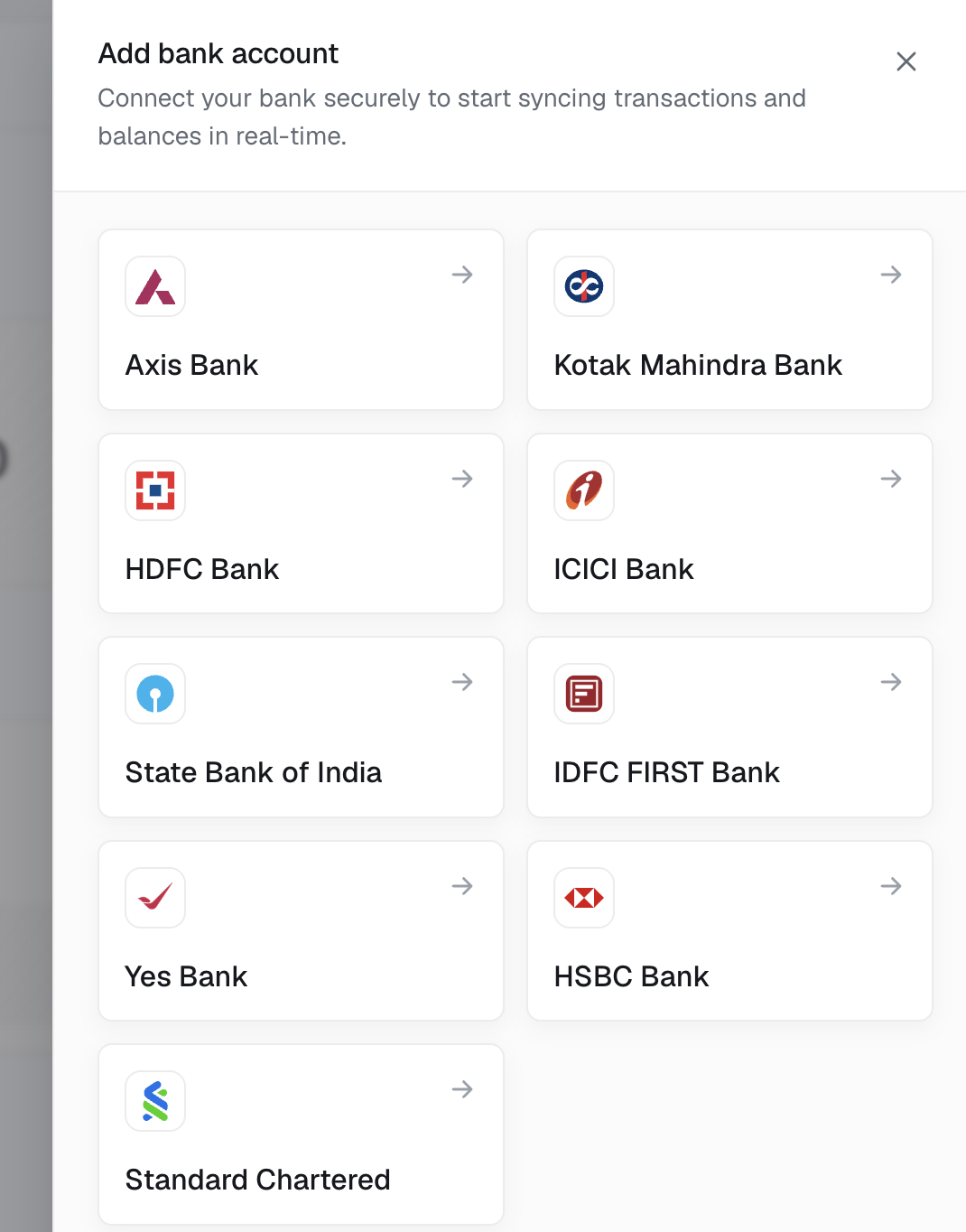
Authorise the connection
Complete your bank’s authorisation steps. The process and activation time depend on the bank. While authorisation is pending, the account is not yet ready for data access or payments.
View setup steps for your bank →Start using Open
Once the relevant bank access is active, fetch your first balance or statement from the Open dashboard. Start making payments when payment access is enabled.
Sign up →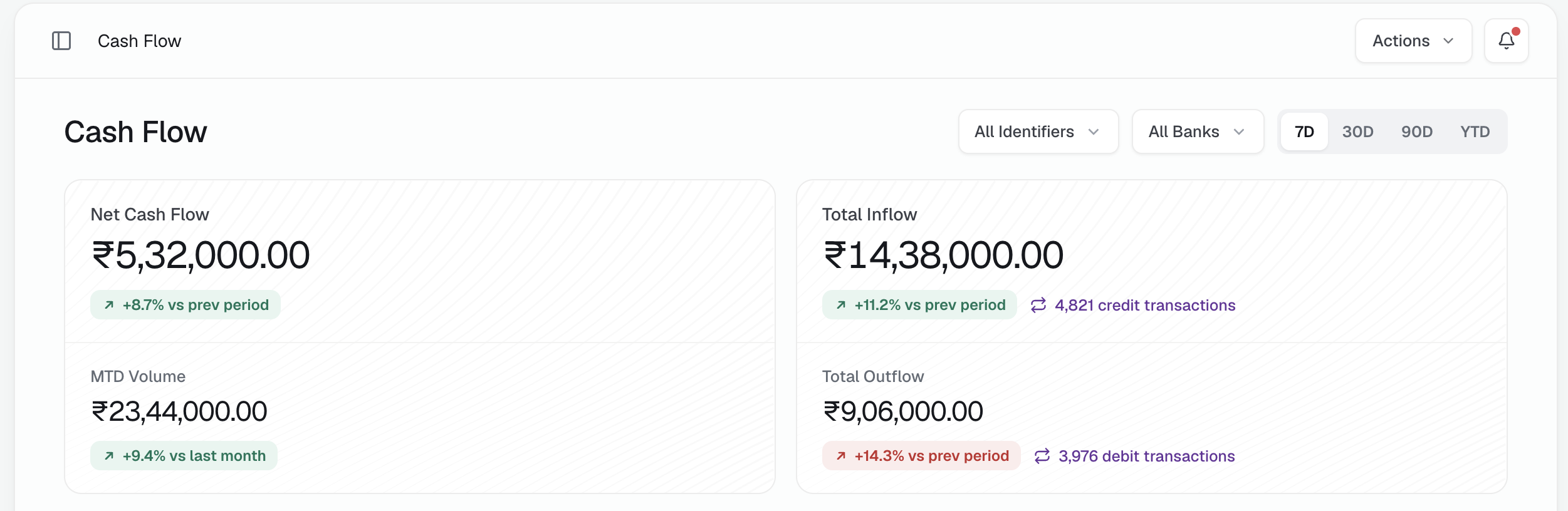
Want banking inside your own software?
Security & compliance
Used by businesses managing banking at scale.
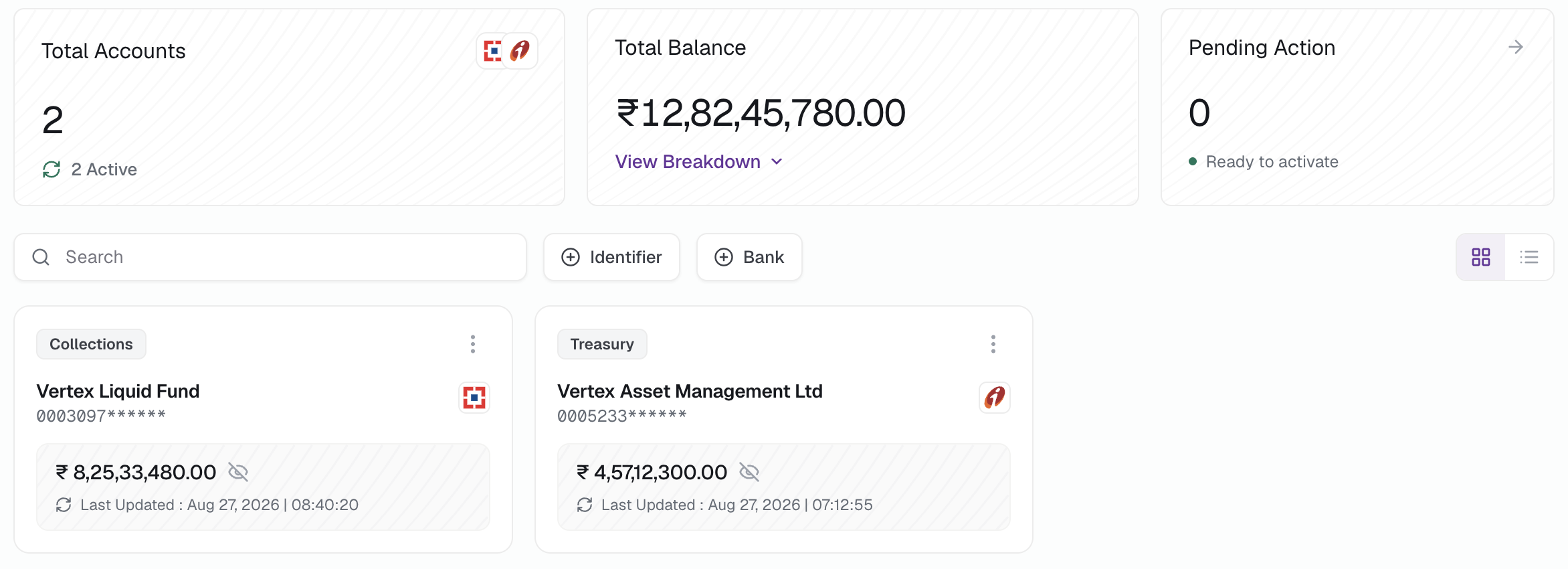
A large mutual fund AMC manages over 1,000 bank accounts through Open.
A listed NBFC manages more than 200 branch accounts through Open.
A listed enterprise uses Open for banking within Microsoft Dynamics 365 Business Central — without leaving its ERP.












Before you get started
{{ f.a }}
Bring your banks together. Get more done.
Connect your current accounts and start using Open through your dashboard, ERP or internal systems.